今天上午老蒋遇到一个网友求助,他的宝塔面板无法登录。于是我帮他登录远程后重启宝塔面板命令输入后提示"Panel service startup failed",看来是面板有故障。
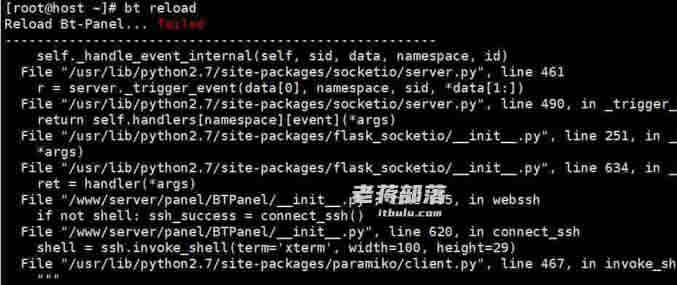
这里确保他的数据正常,我还是给他先快照备份。备份后打算重新安装他的面板,不安装其他的。
yum install -y wget && wget -O install.sh http://download.bt.cn/install/install_6.0.sh && bash install.sh
如果我们看到的错误如下:
Starting Bt-Panel… failed
——————————————————
Traceback (most recent call last):
File “main.py”, line 101, in <module>
if not os.path.exists(templatesConf): public.writeFile(templatesConf,’default’);
AttributeError: ‘module’ object has no attribute ‘writeFile’
——————————————————
Error: BT-Panel service startup failed.
可以判断是python public包 跟面板冲突。
pip uninstall public
bt restart
执行这个脚本检查后是否有可以重启宝塔面板。
这样,我们就可以解决宝塔面板"Panel service startup failed"故障问题。一般是由于文件冲突导致的。
原创文章,转载请注明出处:https://www.itbulu.com/panel-service-startup-failed.html